
Getting started
Your bot starts by buying a cryptocurrency, known as the base currency, to open a position. Below this initial purchase, the bot sets up DCA (buy) orders at different price levels. It also places a Take Profit (sell) order above the initial purchase price. When the price of the base currency goes up, the bot sells all the purchased base currency at the Take Profit level, generating a profit. After selling, the cycle is complete, and the bot starts a new cycle with the initial investment amount.
Step-by-Step Guide
To learn how to create and run your first DCA bot from scratch, please follow our easy step-by-step instructions below.
How to create a DCA Bot
There are two ways to create a DCA Bot.
Create from Bot Library
Step 1: Navigate to Bot Library
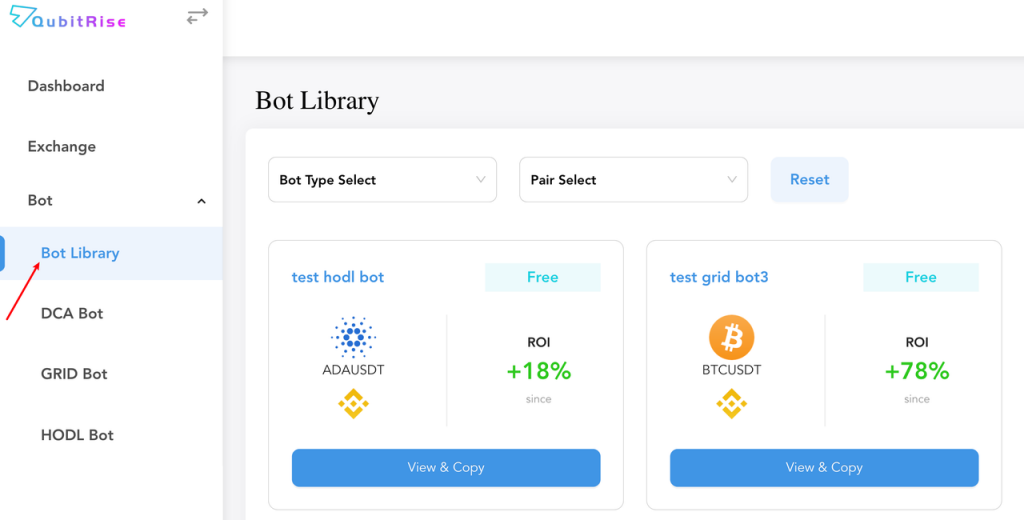
You can quick start to create a DCA Bot by simply choosing and coping a preset DCA Bot from our Bot Library. Click the [Bot Library] button from the menu panel in the left side.
Step 2: Choose a preset DCA Bot from Bot Library
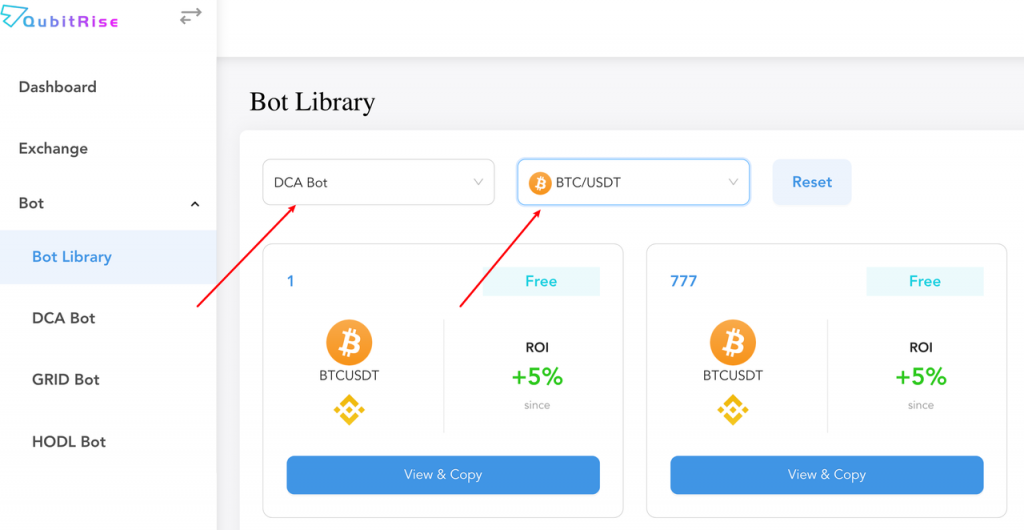
Select [DCA Bot] from the drop-down list of [Bot Type Select], and select the desired currency pair from the drop-down list of [Pair Select].
Step 3: Copy Selected DCA Bot
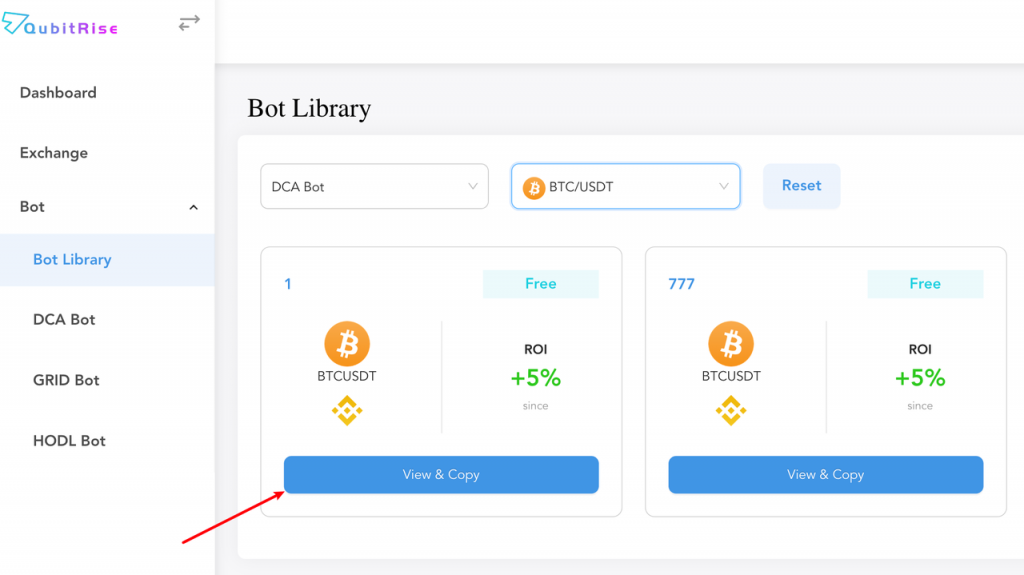
Click [View & Copy] to check and copy the selected DCA Bot’s settings.
Step 4: Create Your Own DCA Bot & Adjust Setting When Needed
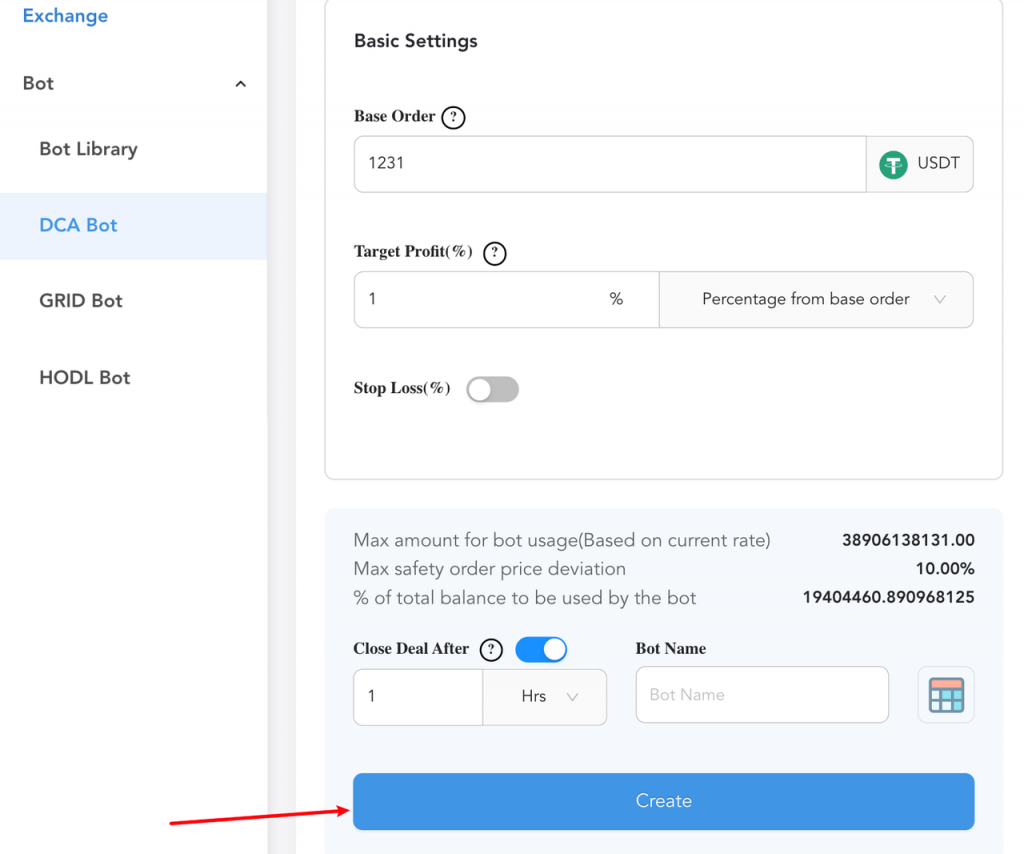
Click the [Create] button to create your own DCA Bot. You can manually change all the settings as needed.
You can view your created bots in [My Bots] under [Dashboard] from the left-side panel.